
MotoSpeed
Transform your iPhone into a professional GPS speedometer with MotoSpeed - packed with features for drivers, motorcyclists, cyclists, and speed enthusiasts.

Cheesy promo video:
Screen capture of the actual app:
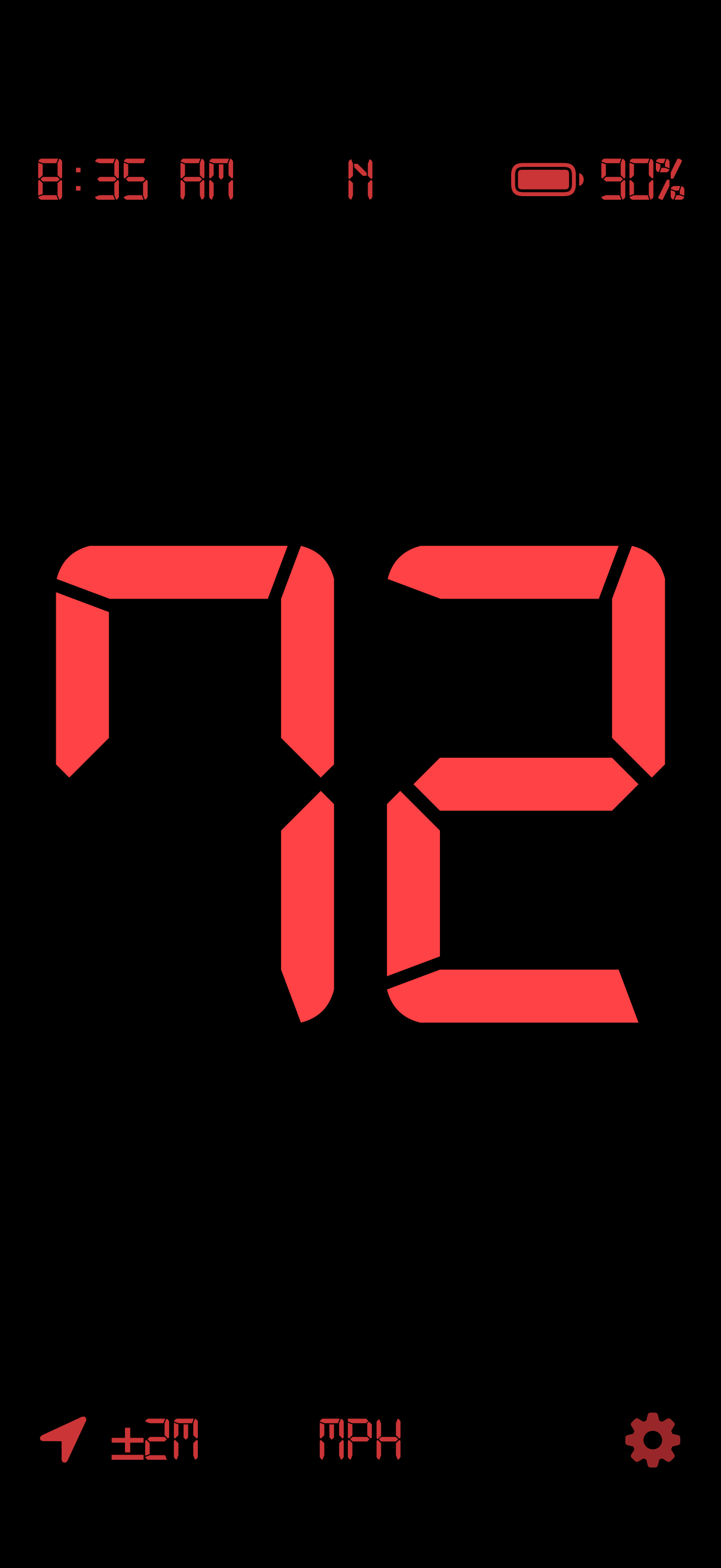
Minimal content on your screen means less distractions and more time enjoying your ride.
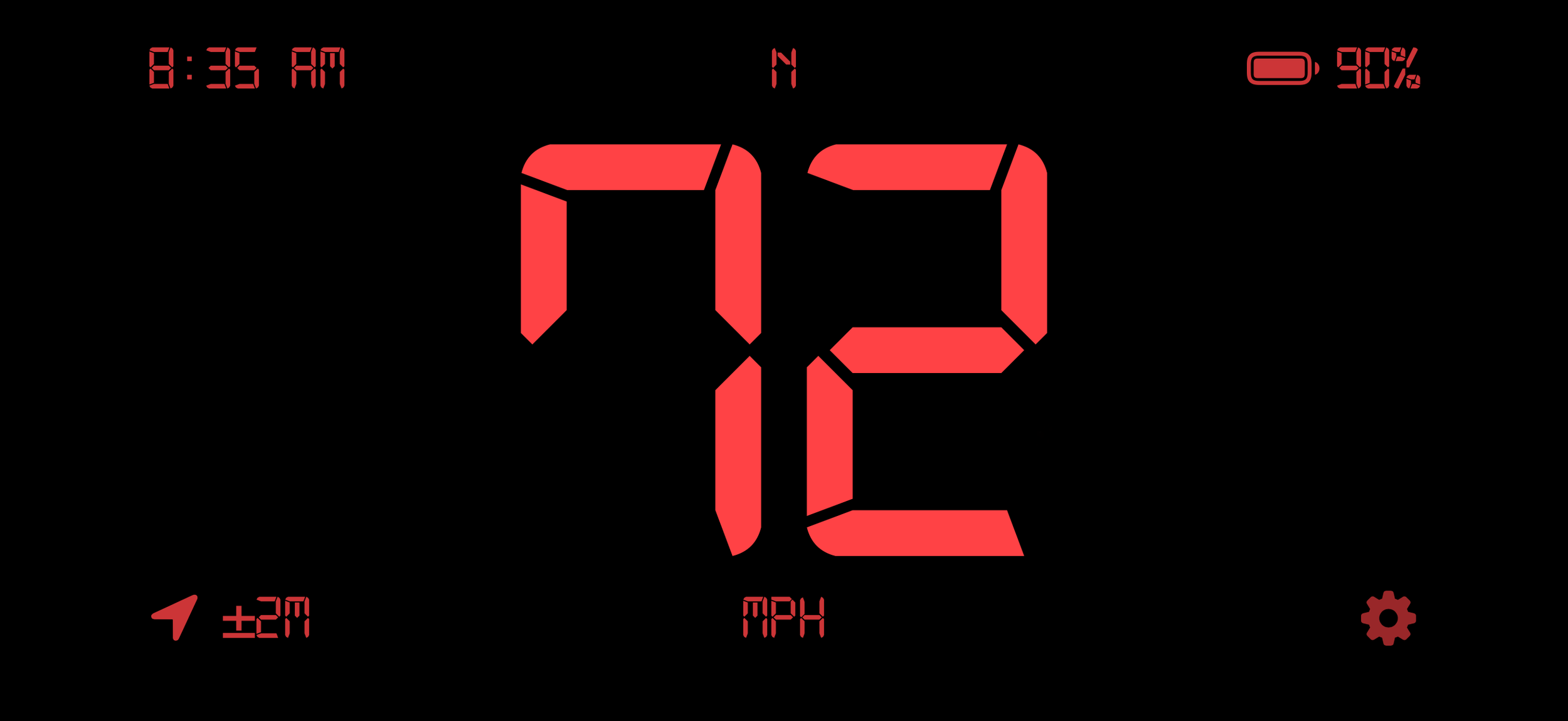
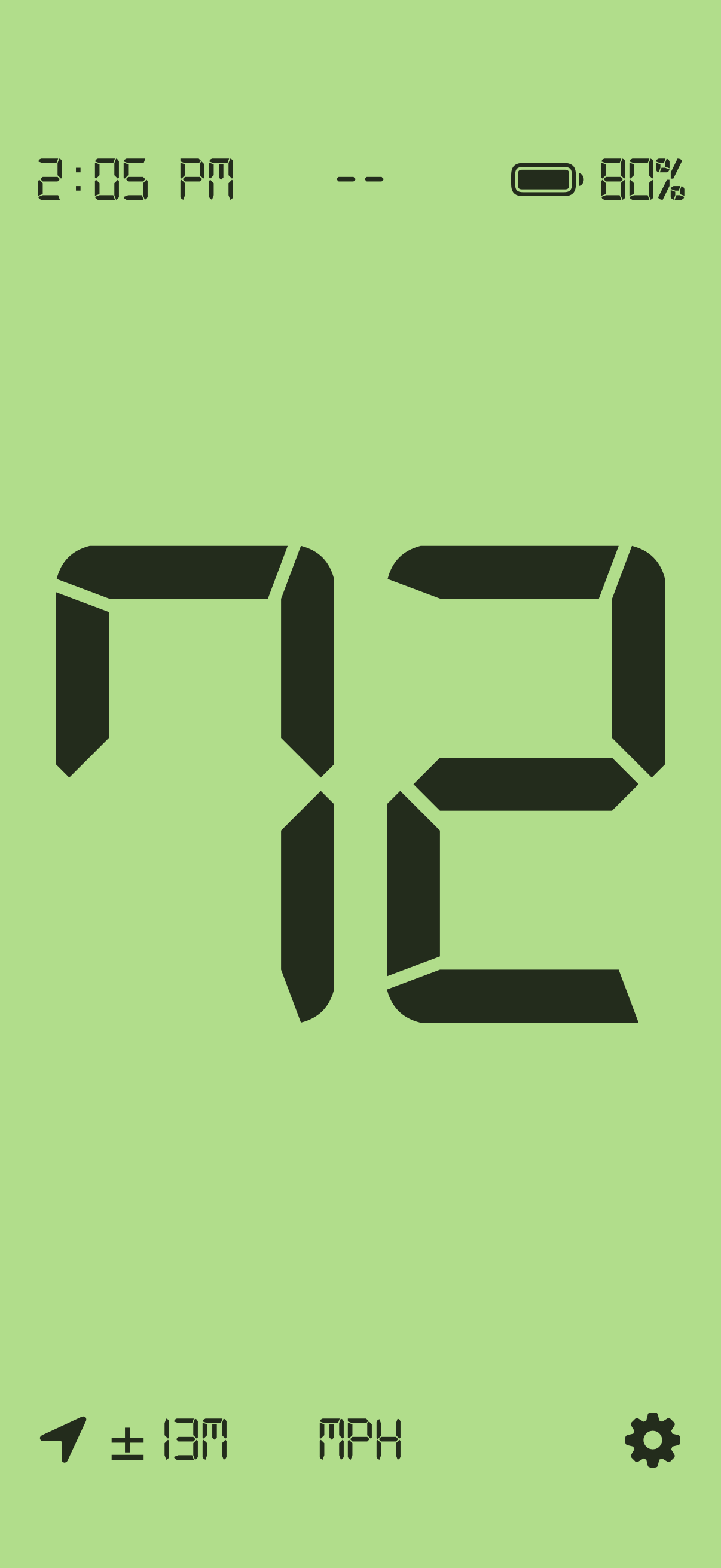
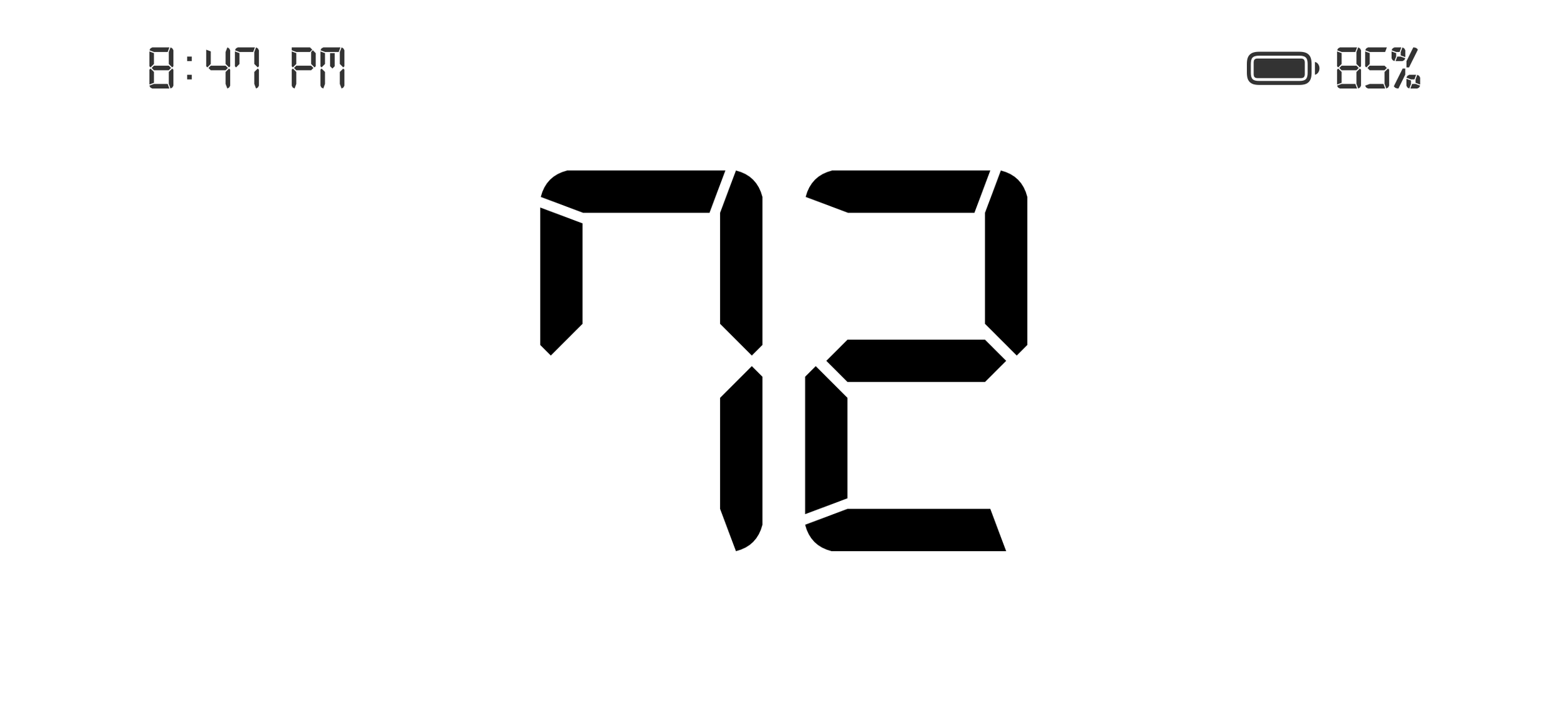
Customize your look and feel by changing the colors or removing elements.
Buy me a coffee
I made this app in my spare time and I try to keep it maintained and bug free. I’ve made it available for free while keeping it completely private and ad-free. If you’d like to send me a few bucks for a coffee or something, I’d appreciate it. Otherwise, enjoy the free app!
Frequently Asked Questions-
### GPS Speed Tracking
- Real-time speed display using GPS location services
- High accuracy with best-available GPS precision
- Automatic unit selection based on your region (MPH or KPH)
- Weak GPS warning alerts you when signal quality is poor
- Smooth speed transitions with intelligent interpolation
### Dual Performance Modes
- City Driving Mode: Optimized for frequent starts and stops with aggressive acceleration tracking
- Highway Mode: Statistical filtering for smooth, steady cruising speeds
- Quick toggle: Triple-tap the screen to switch between modes while driving
- Real-time algorithm data: 5-tap gesture reveals advanced speed metrics
-
### Three Display Modes
- Dark Mode: Classic black background with red text - perfect for night driving
- Light Mode: White background with black text - optimal daytime visibility
- Custom Mode: Create your own color scheme with full background and text color customization
### Font Selection (11 Options)
Choose from professionally selected fonts optimized for speed reading:
- Digital-7 (LED) - Authentic 7-segment speedometer look
- SF Pro - Apple's optimized system font
- SF Mono - Monospaced for stable digit display
- Helvetica Neue - Clean, modern sans-serif
- Avenir Next - Modern geometric with excellent readability
- Gill Sans - Classic British heritage font
- Copperplate - Premium, luxury all-caps
- Futura - Art deco geometric style
- DIN Condensed - Industrial technical aesthetic
- Menlo - Monospaced coding font
- Silom - Technical monospaced font
### Font Sizes
- Small: 50% of screen - compact display
- Medium: 70% of screen - balanced visibility
- Large: 90% of screen - maximum readability
### Display Orientation
- System Setting: Follow device auto-rotate
- Lock Portrait: Always vertical orientation
- Lock Landscape: Always horizontal orientation
-
### Customizable Display Elements
Each element offers three visibility modes: Always Show, Never Show, or Auto-Hide
#### Speed Display
- Large, clear speed reading in your chosen font
- Two-digit format for clean appearance
- Automatic zero detection eliminates GPS drift when stationary
#### Unit Label
- MPH or KPH display below speed
- Auto-hide after 3 seconds for cleaner display
- Tap to reveal when hidden
#### GPS Accuracy Indicator
- Real-time accuracy reading in meters
- Location icon with precision value
- Helps assess reading reliability
#### Current Time
- 12-hour format display
- Top-left corner positioning
- Auto-hide capability
#### Battery Status
- Percentage display with icon
- Charging indicator when plugged in
- Smart icon shows battery level visually
- Low battery notifications (optional)
#### Heading/Direction
- 8-direction compass (N, NE, E, SE, S, SW, W, NW)
- Top-center display
- Updates based on movement direction
#### Settings Icon
- Quick access to all settings
- Optional auto-hide for distraction-free display
- Tap screen to reveal when hidden
### Auto-Hide Timing
- 1 second - Very quick fade
- 3 seconds - Default balanced timing
- 5 seconds - Extended visibility
-
### Focus Mode Awareness
- Automatic detection of iOS Focus mode status
- Smart suppression - notifications pause when Focus is active
- Zero distraction during Driving focus or Do Not Disturb
- Real-time status indicator in settings
### Notification Types
- GPS Signal Lost: Alert when GPS accuracy degrades
- GPS Signal Restored: Confirmation when signal quality improves
- Speed Warnings: Customizable speed alerts (ready for implementation)
- Low Battery Warnings: Get notified before battery runs out
### Full Control
- Master toggle to enable/disable all notifications
- Permission management built into app settings
- Tap-to-authorize easy permission request
- Privacy-focused - all notifications are local to your device
-
### Screen Management
- Keep Screen On: Prevents sleep while app is active - essential for continuous speed monitoring
- Custom Brightness: Override system brightness for optimal outdoor visibility
- Brightness slider: 0-100% manual control
- System brightness option: Use device auto-brightness
### Performance Optimization
- Font caching for smooth, lag-free updates
- Efficient GPS processing minimizes battery drain
- Optimized rendering for 60 FPS display updates
- Smart filtering reduces unnecessary screen refreshes
-
### Swipe Controls
- Swipe Left: Cycle forward through display modes (Dark → Light → Custom)
- Swipe Right: Cycle backward through display modes
### Tap Gestures
- Single Tap: Reveal hidden display elements
- Double Tap: Reset speed algorithm to raw GPS data
- Triple Tap: Toggle between City Driving and Highway modes
- 5x-Tap: Toggle Advanced Info overlay with real-time algorithm data
-
### Speed Algorithm Options
- City Driving: Best for 0-60mph
- Highway Mode: Best for highway speeds and cruising
### Speed Validation
- Threshold filtering eliminates GPS drift at standstill
- Outlier detection rejects anomalous readings
- Position delta checking verifies actual movement
- Trend prediction anticipates acceleration/deceleration
- Consecutive reading validation prevents false starts
### Advanced Info Overlay
5-tap gesture reveals real-time diagnostics:
- Raw GPS speed vs. filtered display speed
- Current threshold value
- Detected trend (accelerating/decelerating/stable)
- GPS accuracy in meters
- Confidence level indicator
- Algorithm-specific metrics (Kalman gain, acceleration, etc.)
-
### Privacy-First Design
- No data collection - we don't collect, store, or transmit any personal data
- Local processing only - all calculations happen on your device
- No analytics - no tracking, no third parties, no servers
- No user accounts - no passwords, no login required
- Complete control - you own your data
### Data Storage
- Local preferences only - settings stored in iOS UserDefaults
- No location history - GPS data used in real-time only
- No trip recording - no route tracking or logging
- Uninstall = complete deletion - removing app deletes all data
-
### Requirements
- iOS 15.0 or later for full Focus mode support
- iPhone (optimized for all screen sizes)
- GPS capability required for speed tracking
### GPS Performance
- Best accuracy mode for highest precision
- 1-meter distance filter for responsive updates
- Horizontal accuracy tracking for quality assessment
- Multiple algorithm options for different use cases
### Display Specifications
- Dynamic font scaling adapts to all screen sizes
- Portrait and landscape support
- Status bar hidden for maximum display area
- 60 FPS refresh rate for smooth updates